

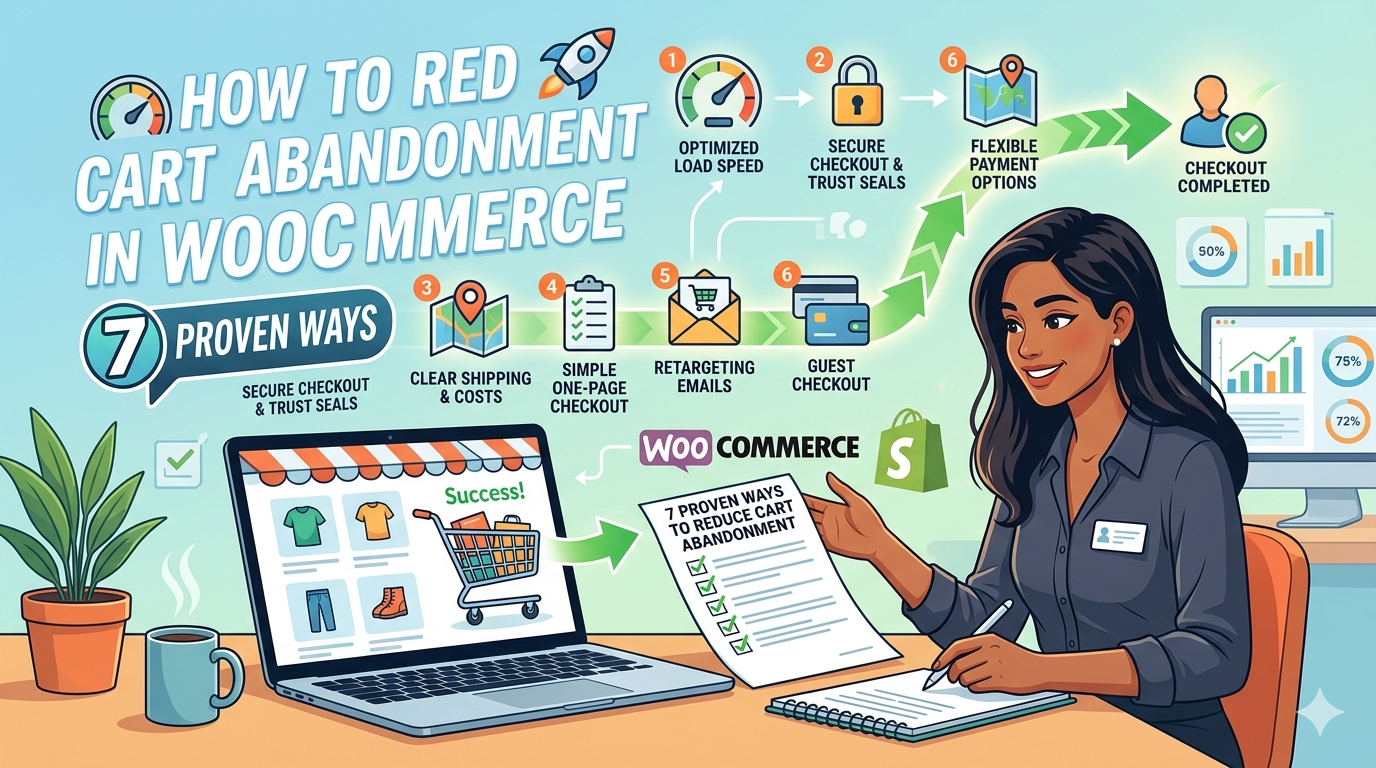
You worked hard to get visitors to your WooCommerce store. They found a product they liked. They added it to their cart. And then they left without buying. This is cart abandonment and it is one of the biggest revenue killers for every online store.
The average WooCommerce cart abandonment rate is around 70%. That means 7 out of every 10 shoppers who add something to their cart never complete the purchase. If you could recover even 10% of those lost sales, your revenue would increase significantly without spending a single dollar on more traffic.
In this guide we will walk through 7 proven ways to reduce cart abandonment in WooCommerce – practical changes you can make today that will start recovering lost sales immediately.
Average WooCommerce cart abandonment rate — 7 out of 10 shoppers leave without buying
70%
Why Do WooCommerce Shoppers Abandon Their Carts?
Before fixing the problem it helps to understand why it happens. The most common reasons shoppers abandon WooCommerce carts are:
- Too many steps — the checkout process is too long and complicated
- Unexpected costs — shipping fees or taxes appear at checkout
- No urgency — shoppers think they can come back later but never do
- Slow page load — the checkout page takes too long to load on mobile
- Lack of trust — no reviews, security badges, or social proof
- Forced account creation — shoppers do not want to register before buying
- Limited payment options — their preferred payment method is not available
The good news is that most of these are easy to fix. Let us go through each solution one by one.
Way 1 – Add a Direct Checkout Button
The single biggest reason shoppers abandon WooCommerce carts is too many steps between “I want this” and “I bought it”. The standard WooCommerce flow is: Product page → Cart page → Checkout page. That is two extra pages where shoppers can get distracted and leave.
The fix is simple — add a Direct Checkout button that skips the cart page entirely and sends shoppers straight to checkout. This one change alone can reduce abandonment significantly.
| How to do it: Install wiseCampaign and enable the Direct Checkout feature. It adds a Buy Now button to your product pages that bypasses the cart completely. Setup takes under 2 minutes with no coding required. |
Results you can expect:
- Fewer drop-offs between product page and checkout
- Faster purchases especially on mobile
- Higher conversion rate on impulse buy products
Way 2 – Create Urgency with Stock Urgency Bars
One of the most powerful psychological triggers in eCommerce is fear of missing out (FOMO). When shoppers believe a product might sell out they are much more likely to buy immediately instead of coming back later.
A stock urgency bar shows shoppers exactly how many items are left in stock with a visual progress bar. Seeing “Only 3 left in stock” with a red progress bar creates immediate urgency that pushes shoppers to complete their purchase right away.
| How to do it: wiseCampaign’s StockBar feature automatically shows a dynamic stock progress bar on your WooCommerce product pages based on real inventory levels. It updates in real time as stock changes. |
Best practices:
- Show stock bar on products with less than 20 items remaining
- Use red or orange color for low stock to trigger urgency
- Combine with a countdown timer for maximum effect
Way 3 – Add a Countdown Timer Banner
Limited time offers are one of the most effective ways to reduce cart abandonment. When shoppers know a sale or deal expires soon they feel compelled to act now rather than wait.
A sticky countdown timer banner at the top of every page constantly reminds shoppers that your offer is ending soon. Even shoppers who have items in their cart will see it and feel the urgency to complete their purchase before time runs out.
| How to do it: wiseCampaign’s wiseBanner feature lets you create a sticky top bar with a countdown timer in under 2 minutes. Choose a template, set your end date, customize the colors and text, and save. The banner appears on every page of your store automatically. |
Tips for maximum effectiveness:
- Use real deadlines — not fake countdowns that reset
- Keep the message short — “Sale ends in [timer]” works perfectly
- Add a clear CTA button — “Shop Now” or “Get the Deal”
- Use contrasting colors so the banner stands out
Way 4 – Show Real-Time Sales Notifications
Shoppers trust stores where other people are actively buying. When someone sees “Sarah from London just bought this 5 minutes ago” it tells them two things – this product is popular and other people trust this store enough to buy from it.
These real-time sales notification popups create powerful social proof that reduces hesitation and builds the confidence needed for new visitors to complete their purchase.
| How to do it: wiseCampaign’s Sales Notifications feature shows small popup notifications in the corner of your store showing recent purchases. You can customize the design, position, timing, and what information is displayed. |
What social proof does:
- Reduces purchase anxiety for new visitors
- Creates urgency — if others are buying the product might sell out
- Builds trust in your store and products
- Works especially well on high-value or new products
Way 5 – Enable Guest Checkout
Forcing shoppers to create an account before they can buy is one of the most common and most damaging mistakes in WooCommerce. Many shoppers – especially first-time visitors – simply do not want to register. When they are forced to they leave.
Enabling guest checkout removes this barrier completely. Shoppers can complete their purchase with just an email address. You can always invite them to create an account after the purchase is complete.
How to enable guest checkout in WooCommerce:
- Go to WordPress Dashboard → WooCommerce → Settings
- Click the Accounts and Privacy tab
- Check the box that says Allow customers to place orders without an account
- Click Save Changes
| Pro tip: Also enable the option to allow customers to log into an existing account during checkout. This gives returning customers the convenience of saved details while still allowing guest checkout for new visitors. |
Way 6 – Add Smart Discount Rules
Sometimes shoppers abandon their cart because the price feels too high or they are waiting for a better deal. Smart discount rules can tip the balance and motivate them to complete the purchase.
The most effective discount strategies for reducing cart abandonment are:
- Free shipping threshold — “Add $15 more for free shipping” motivates shoppers to add more items
- Spend-based discounts — “Spend $100 and get 10% off” increases average order value
- Bundle pricing — discount when buying multiple products together
- Buy X Get Y — buy 2 get 1 free encourages larger purchases
| How to do it: wiseCampaign’s Discount Manager (Pro) lets you create all these discount types from a simple dashboard. No coding required. Set up spend-based discounts, free product rules, bulk pricing and Buy X Get Y offers in minutes. |
Way 7 – Add a Mini-Cart for Instant Access
Many shoppers abandon their cart simply because the buying process feels disconnected. They add a product, navigate away to browse more, and then forget or lose interest by the time they get back to checkout.
A mini-cart widget gives shoppers instant access to their cart from any page on your site without ever leaving the page they are on. They can see what is in their cart, update quantities, and go straight to checkout with one click – keeping them engaged in the buying flow at all times.
| How to do it: wiseCampaign’s wiseCart feature adds a sleek customizable mini-cart to your WooCommerce store. Shoppers can access their cart instantly from any page, see their items, and checkout without navigating away. |
Summary – 7 Ways to Reduce Cart Abandonment in WooCommerce
| # | Method | Impact |
| 1 | Direct checkout button | Very High — removes extra steps |
| 2 | Stock urgency bar | High — creates FOMO |
| 3 | Countdown timer banner | High — creates time pressure |
| 4 | Sales notifications | Medium — builds trust |
| 5 | Guest checkout | High — removes registration barrier |
| 6 | Smart discount rules | Medium — motivates purchase |
| 7 | Mini-cart widget | Medium — keeps shoppers engaged |
Start Reducing Cart Abandonment Today
Cart abandonment is one of the biggest revenue leaks in any WooCommerce store. But as you can see most of the fixes are simple, fast to implement, and do not require any coding skills.
The fastest way to implement ways 1, 2, 3, 4, and 7 from this list is with wiseCampaign – a free WooCommerce marketing plugin that combines all these tools in one simple dashboard. Install it today and start recovering lost sales immediately.
| Ready to reduce cart abandonment? Download wiseCampaign free on WordPress.org and get Direct Checkout, StockBar, Countdown Banners, Sales Notifications and Mini-Cart in one plugin. Pro plans start at $59/year. Visit: wisemattic.com/wisecampaign/ |
Leave a Reply