
Default theme galleries often stack images in a long column, push the Add to Cart button down the page and offer little interaction. Wise Product Image Slider 3D turns that gallery into a compact, interactive slider that keeps your product details close to the top.
Key Features
- Swipeable image slider with touch swipe on mobile and navigation arrows on desktop.
- Thumbnail layouts — thumbnails below the main image or vertically beside it, with your choice of shape, size and highlight color.
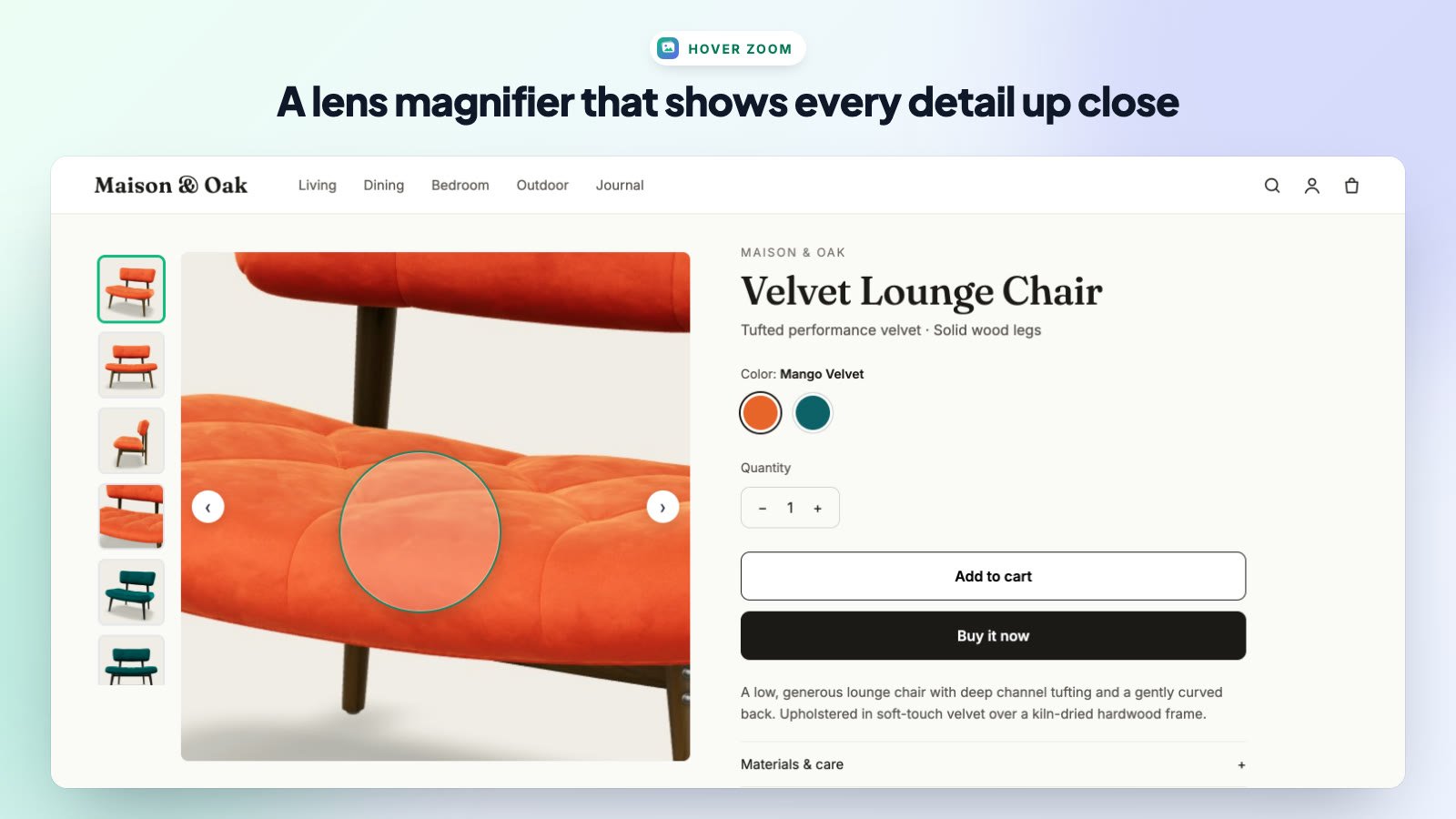
- Hover zoom & lens magnifier so desktop shoppers can inspect fine details.
- Video slides for the product videos you add in Shopify.
- Interactive 3D models shoppers can rotate and zoom, with a View in your space (AR) button.
- Variant image matching — the slider jumps to the matching photo when a shopper picks a variant.
- Autoplay and full-screen lightbox options.
- Desktop and mobile control — turn the slider on or off for each device.
- No code — the slider is added through a Shopify theme app extension and is removed cleanly if you uninstall.
Plans at a Glance
| Feature | Free | PRO 3D |
|---|---|---|
| Swipeable image slider & arrows | ✓ | ✓ |
| Dots pagination | ✓ | ✓ |
| Mobile responsive | ✓ | ✓ |
| Thumbnail layouts (bottom & vertical) | — | ✓ |
| Hover zoom & lens magnifier | — | ✓ |
| Video slides | — | ✓ |
| 3D model viewer & AR | — | ✓ |
| Variant image matching | — | ✓ |
| Autoplay & lightbox | — | ✓ |
| Priority support | — | ✓ |
See Pricing Plans & Free Trial for details.