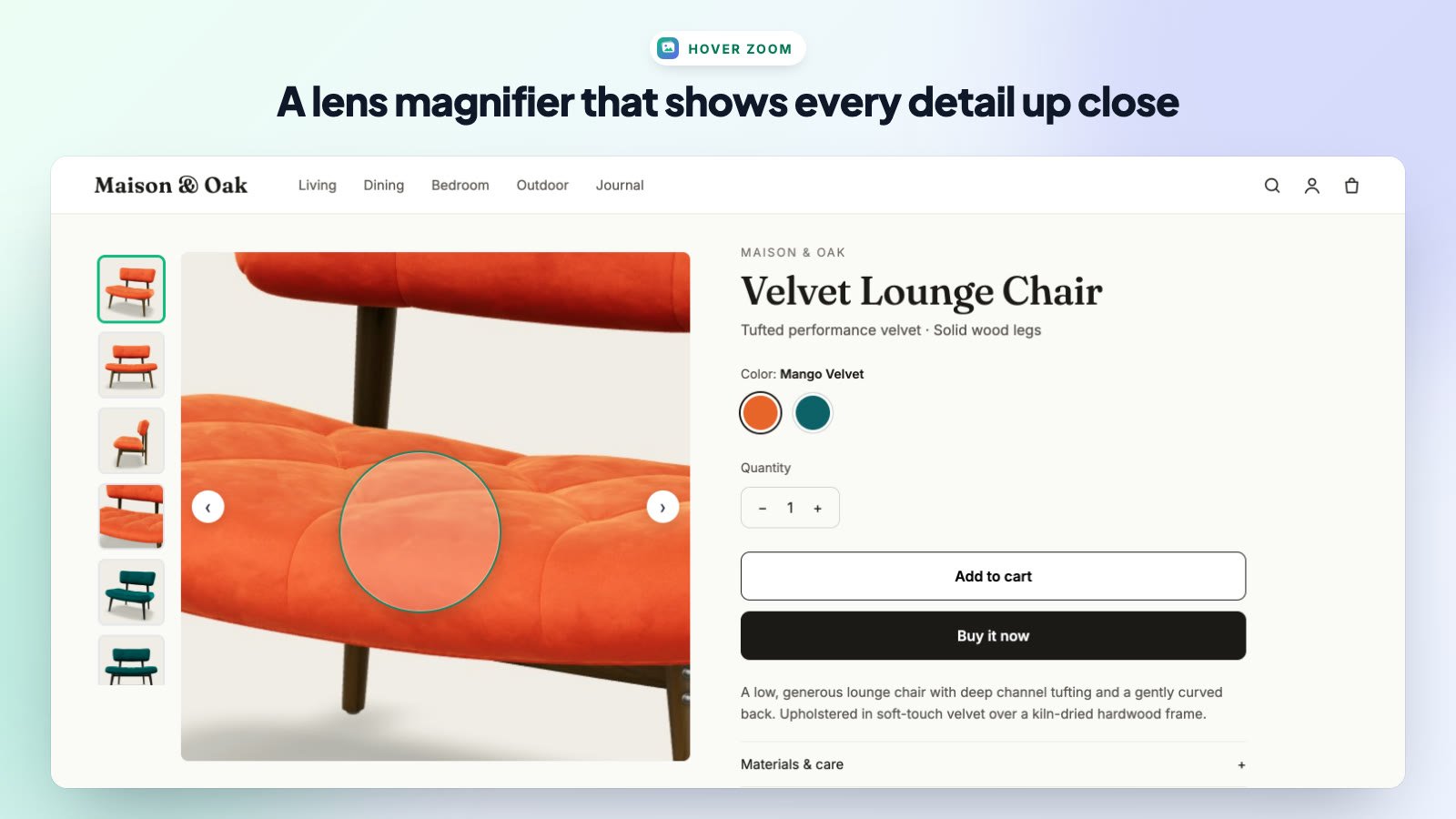
Hover zoom lets desktop shoppers inspect fabric, stitching and other fine details by moving the mouse over the main image.
Zoom (Magnifier) Tab
- Enable Mouse Hover Zoom — turns zoom on or off.
- Zoom Style Mode — Inner Pan Zoom zooms the whole image and follows the mouse; Floating Magnifier Lens shows a lens that follows the cursor.
- Magnifier Lens Shape — Circle Lens or Rounded Square Lens (lens mode only).
- Zoom Magnification Level — from 1.5× to 4.0×.
- Lens Diameter Size — from 90px to 180px (lens mode only).
Note: Hover zoom works on desktop and laptop screens. On phones and tablets, shoppers swipe through photos and can open the full-screen lightbox instead.
Tip: upload high-resolution product photos (at least 2048px on the long side) so zoomed images stay sharp.