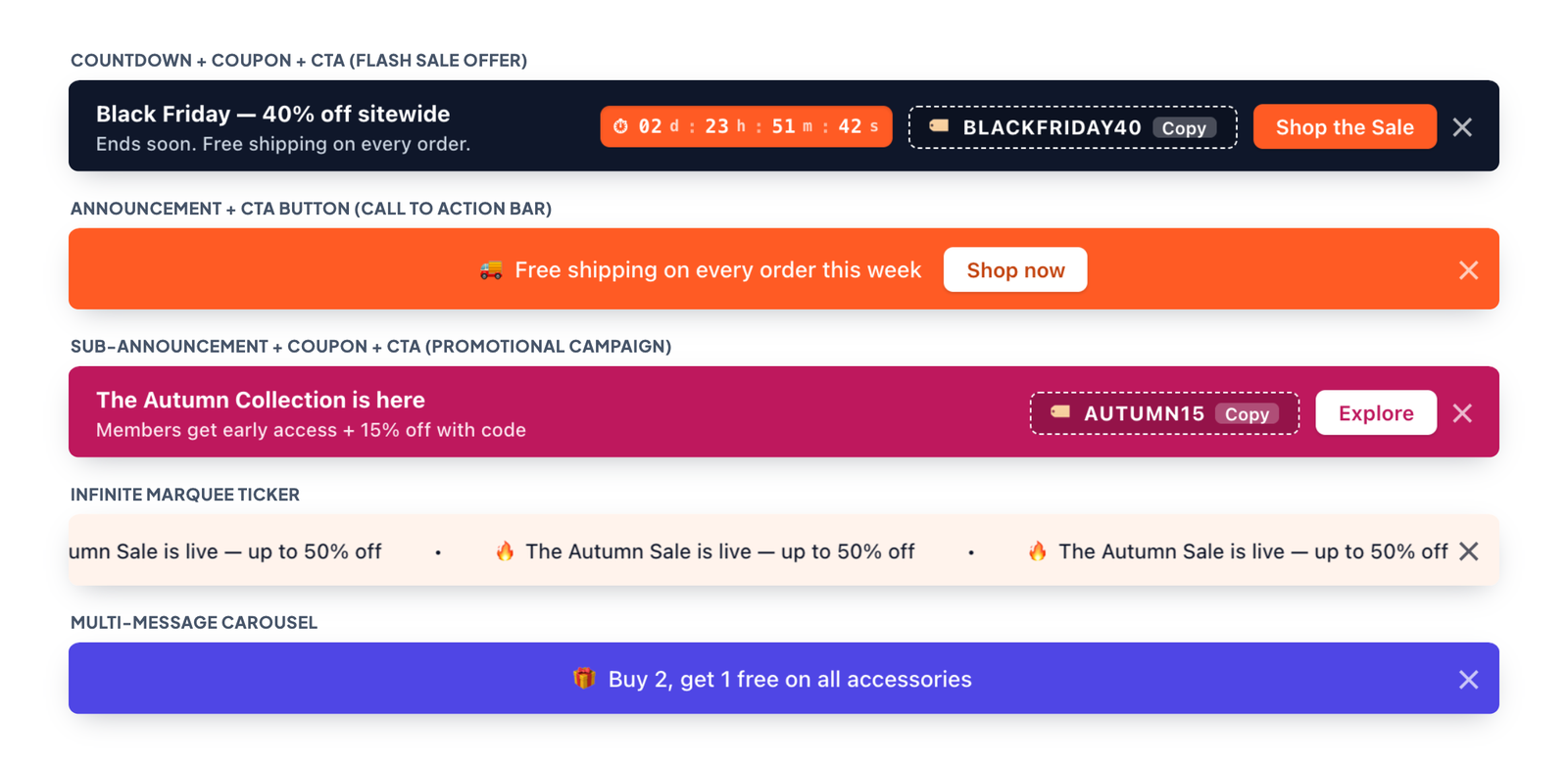
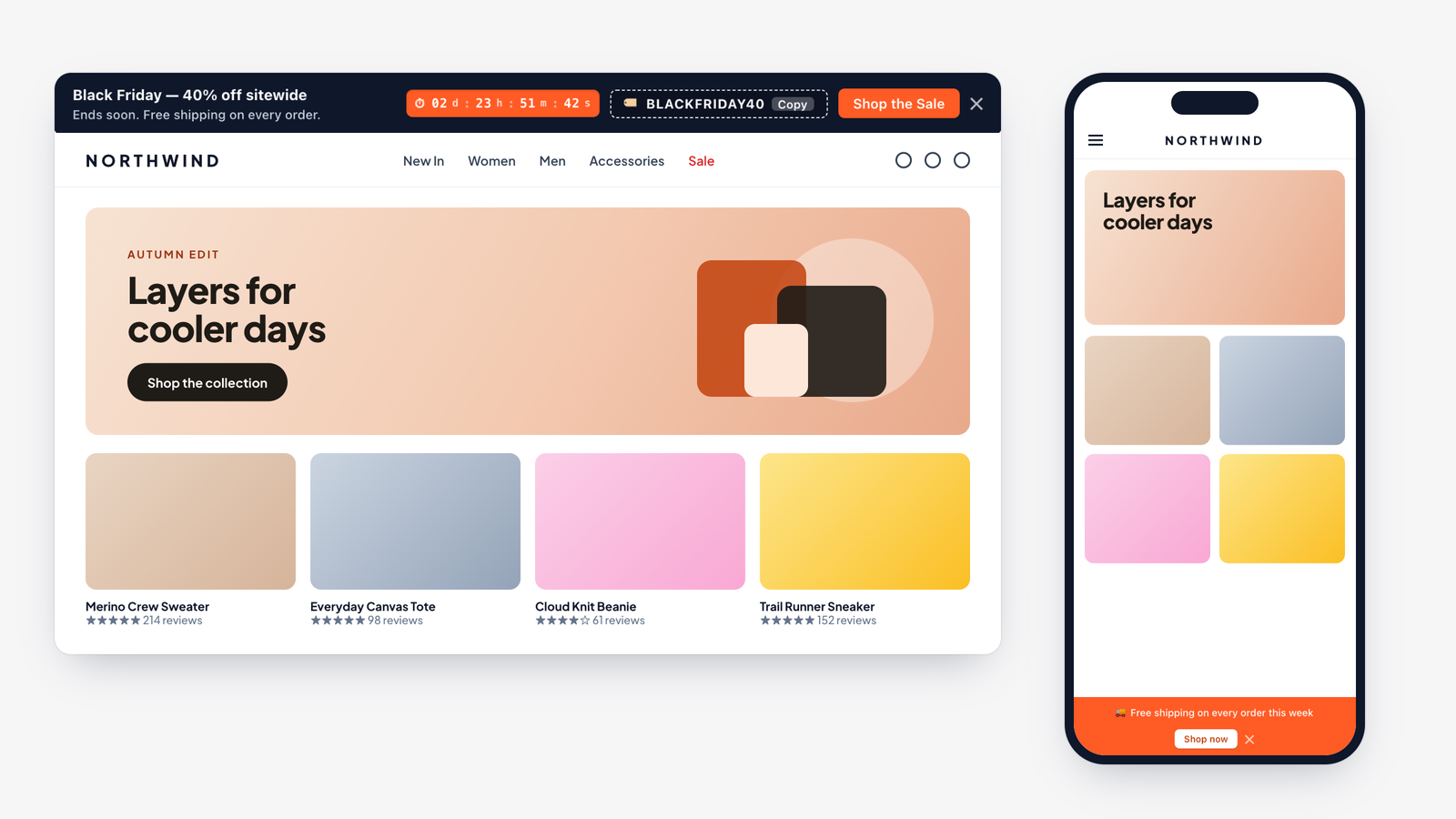
Welcome to wiseBanner! wiseBanner adds high-converting announcement bars to your Shopify store, with live countdown timers, 1-click coupon codes, call-to-action buttons, scrolling marquees and rotating carousels. It runs as an Online Store 2.0 theme app extension, so there is no code to paste and nothing to edit in your theme.
Quick setup in 4 steps
- Install wiseBanner from the Shopify App Store.
- Turn on the app embed: click Enable in Theme Editor on the Overview tab and switch wiseBanner on.
- Build your banner on the Setup Banner tab: pick a template, write your message and style it.
- Click Save Banner. Your announcement bar goes live on your storefront right away.
What you will find in these docs
- Getting Started: installing the app, turning on the app embed and a tour of the dashboard.
- Create Your Banner: templates, announcement text, countdown timer, coupon code, CTA button, pages, position and behavior.
- Design & Preview: colors, text layout, coupon and countdown styles, and the live desktop/mobile preview.
- Analytics & Pricing: banner performance, the Free and Pro plans, the 7-day free trial, upgrading and downgrading.
- Troubleshooting & FAQs: answers to common questions.