
Announcement Text
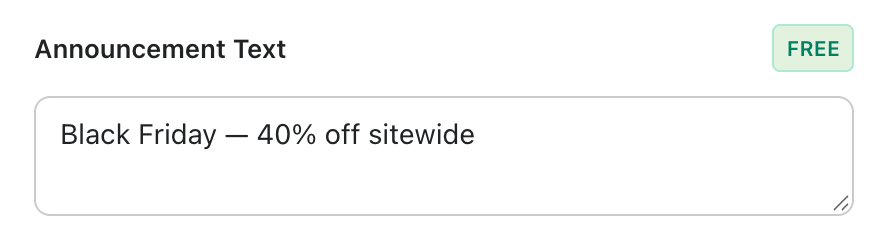
This is the main message of your bar, available on every plan. Keep it short and specific, for example “Black Friday: 40% off sitewide” or “Free shipping on orders over $50”.
For the Multi-Message Carousel template you also get fields for a second and third message. The bar rotates between them automatically.
Sub-Announcement
⭐ This is a wiseBanner Pro feature. On the Free plan, turning it on opens an upgrade prompt.
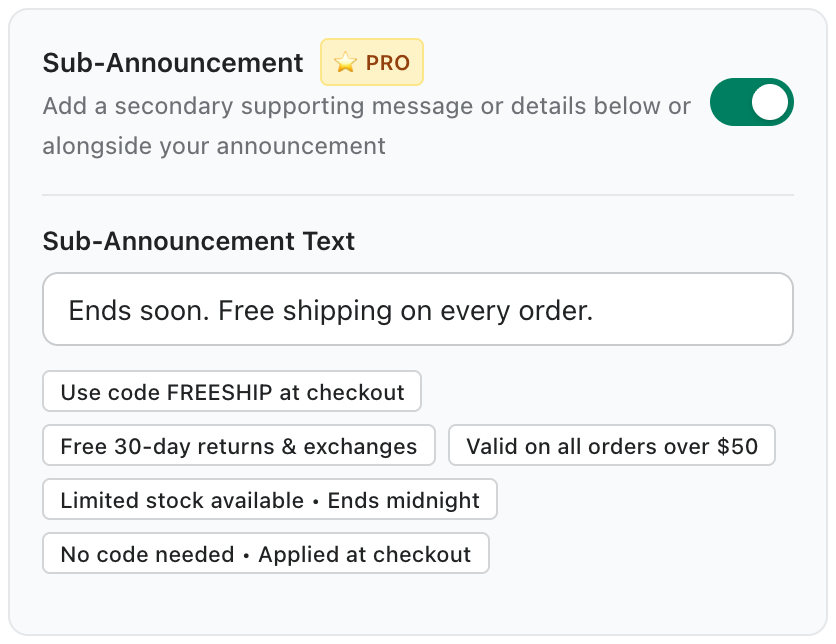
Turn on Sub-Announcement to add a smaller second line under (or beside) your headline, such as an end date, a condition or your return policy. Click a quick suggestion to fill it in, or write your own.
Tip: Use the Text tab in Design & Styling to choose a separate color for the sub-announcement and whether it sits stacked or inline.