
wiseBanner has a Free plan and a Pro plan. All billing is handled securely by Shopify and appears on your Shopify invoice.
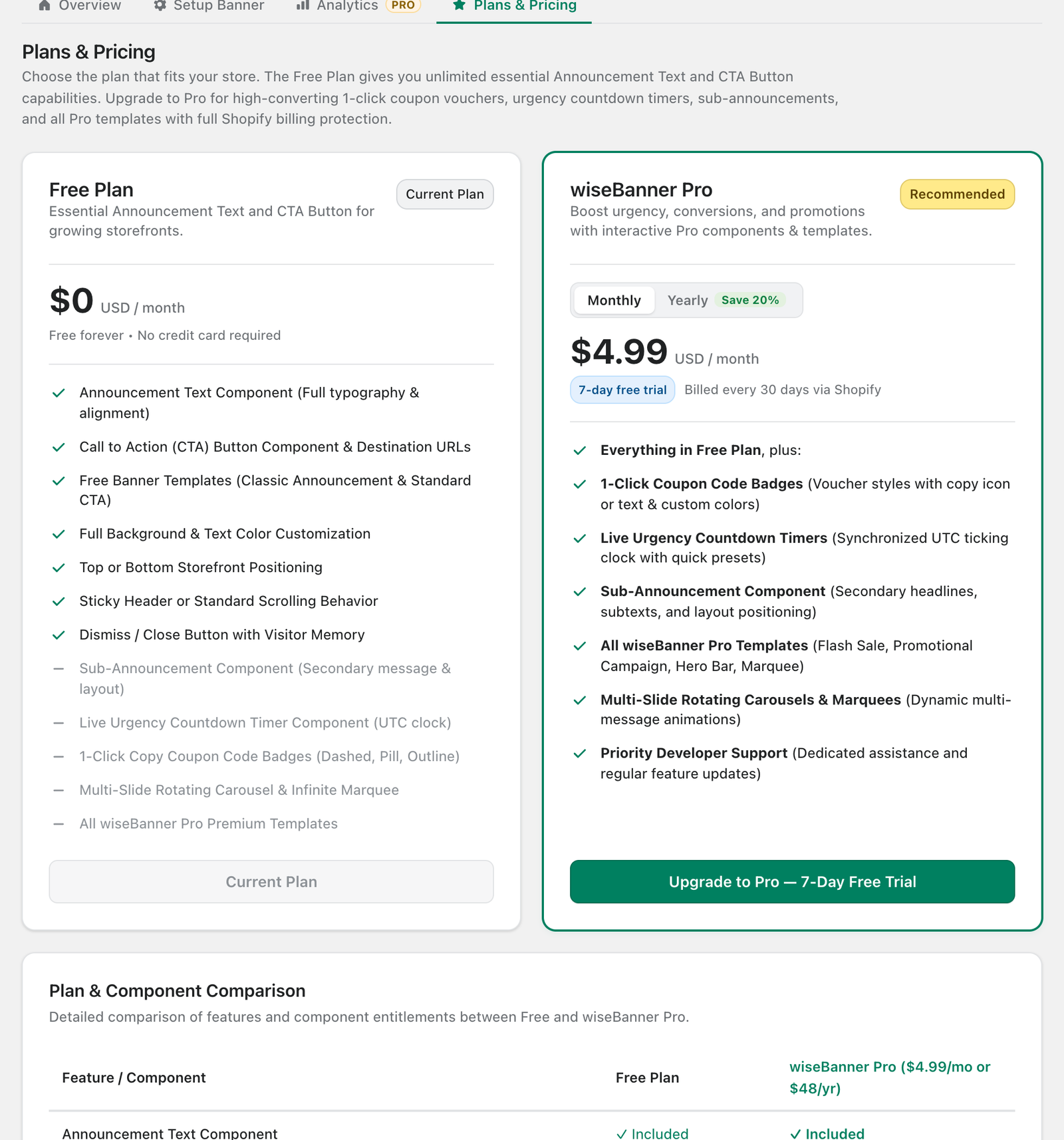
Free vs Pro
- Free ($0): Announcement Text, CTA Button, the Simple Announcement and CTA Bar templates, colors, top/bottom position, sticky or normal behavior and the dismiss button.
- wiseBanner Pro ($4.99/month, or $48/year and save 20%): everything in Free plus Sub-Announcement, Countdown Timer, 1-click Coupon Codes, Multi-Message Carousel, Infinite Marquee, all Pro templates, Analytics and priority support.
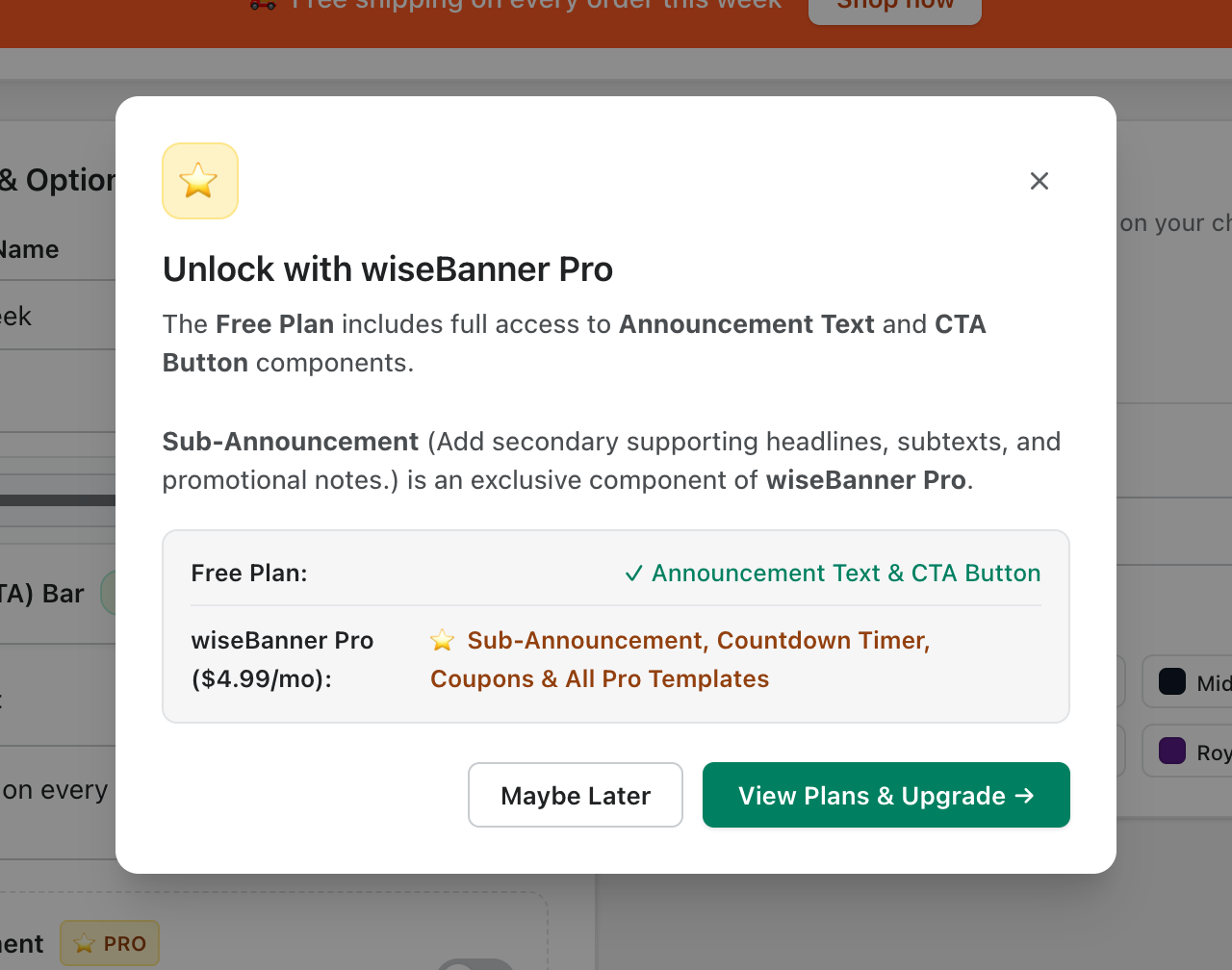
On the Free plan, switching on a Pro component shows an upgrade prompt. Your free features keep working either way.
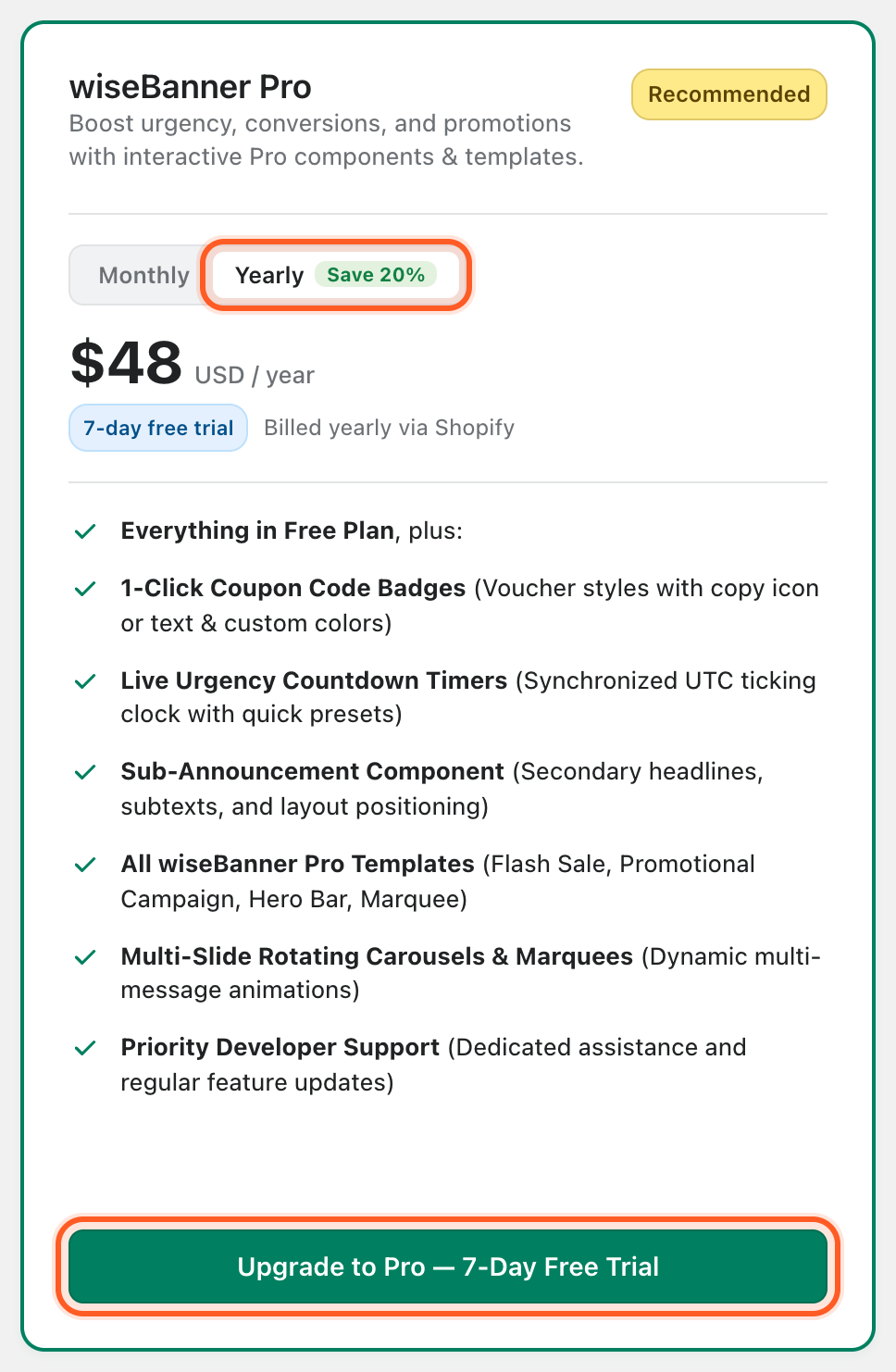
Upgrade to Pro (7-day free trial)
- Open Plans & Pricing.
- Choose Monthly or Yearly on the wiseBanner Pro card.
- Click Upgrade to Pro — 7-Day Free Trial.
- Approve the subscription on the Shopify confirmation page. You are not charged during the 7-day trial.
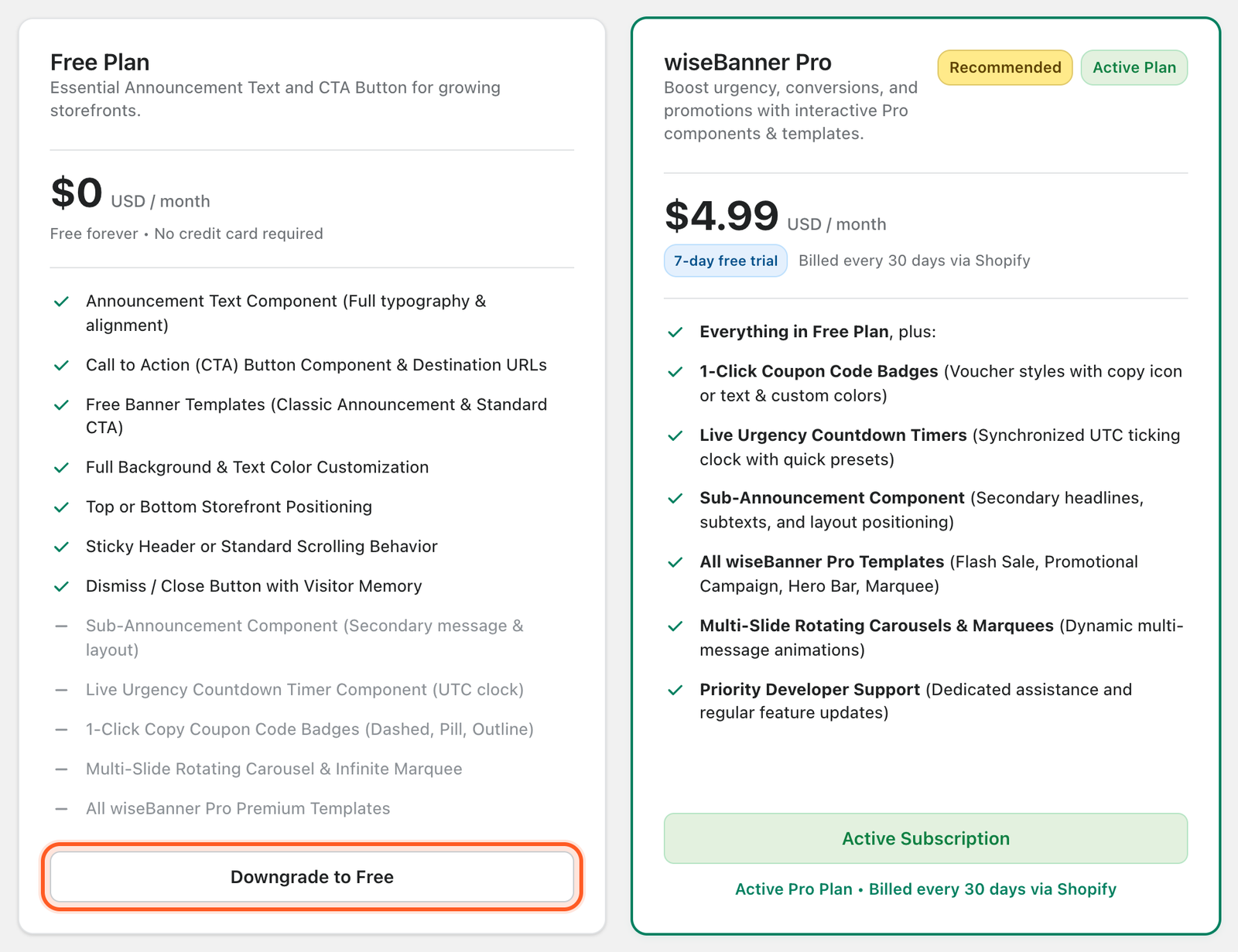
Downgrade to Free
While Pro is active, the Free plan card shows Downgrade to Free. Clicking it cancels your Pro subscription in Shopify right away. Your banner keeps running with the Free features, and Pro components (sub-announcement, countdown, coupon, carousel, marquee) are removed from the live bar.
Tip: Uninstalling the app also cancels the subscription automatically.