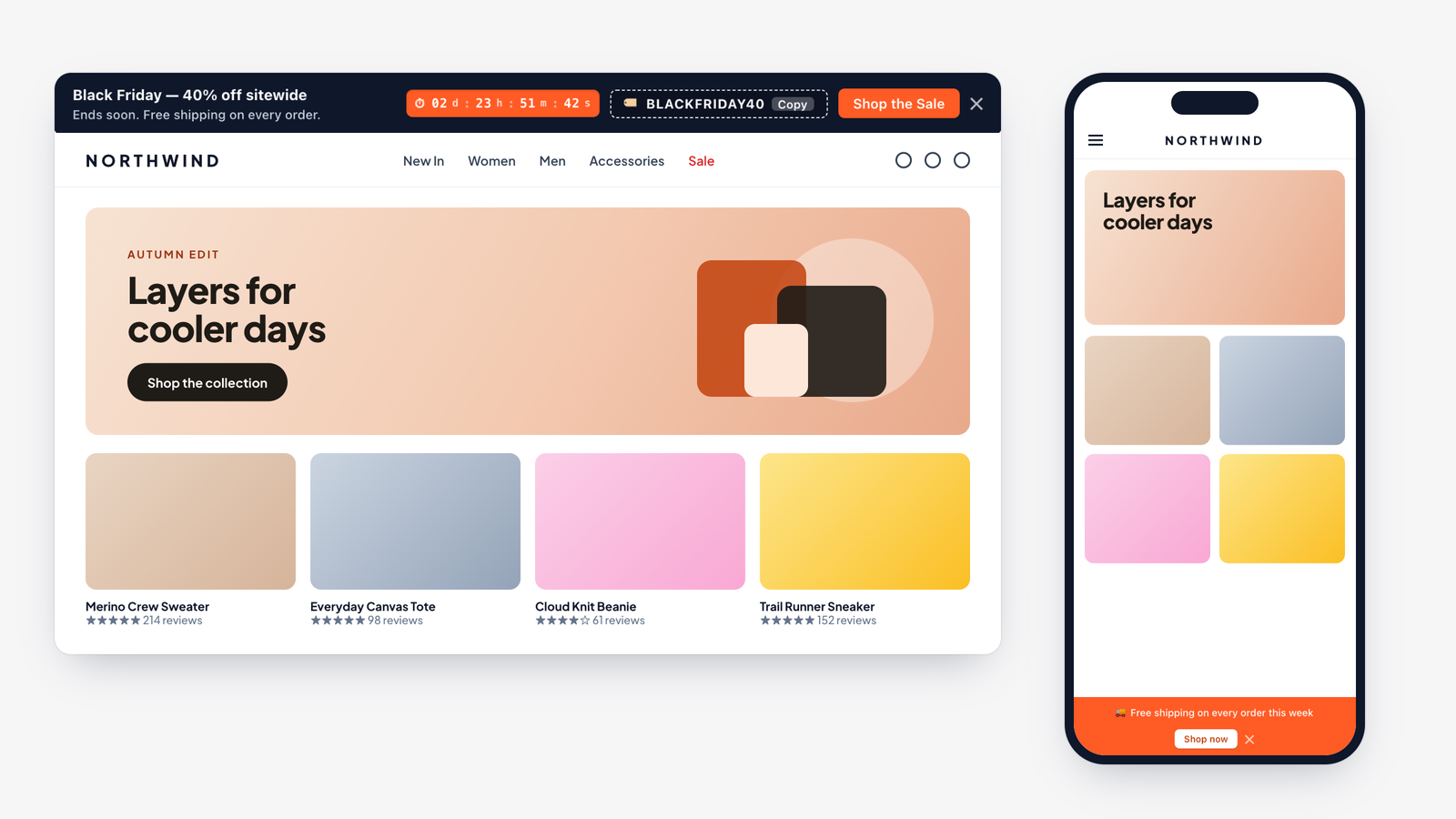
Control where the bar appears and how it behaves while shoppers scroll. These settings are at the bottom of Banner Content & Options.
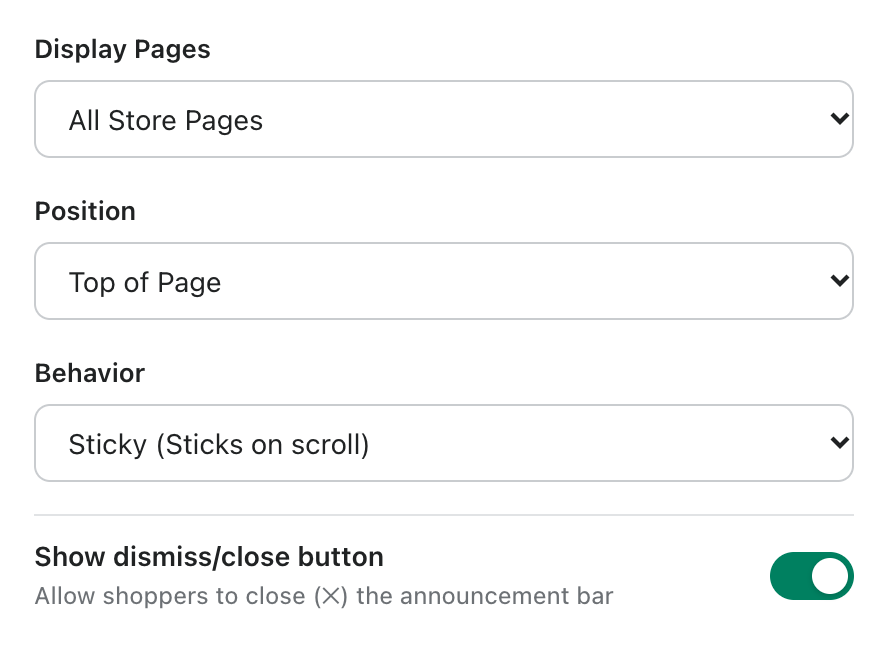
- Display Pages: All Store Pages or Homepage Only.
- Position: Top of Page or Bottom of Page. A bottom bar works well on mobile, where it stays within thumb reach.
- Behavior: Sticky (Sticks on scroll) keeps the bar visible while shoppers scroll; Normal (Scrolls with page) lets it scroll away.
- Show dismiss/close button: lets shoppers close the bar with the × button. Their choice is remembered, so the bar stays closed for them.