
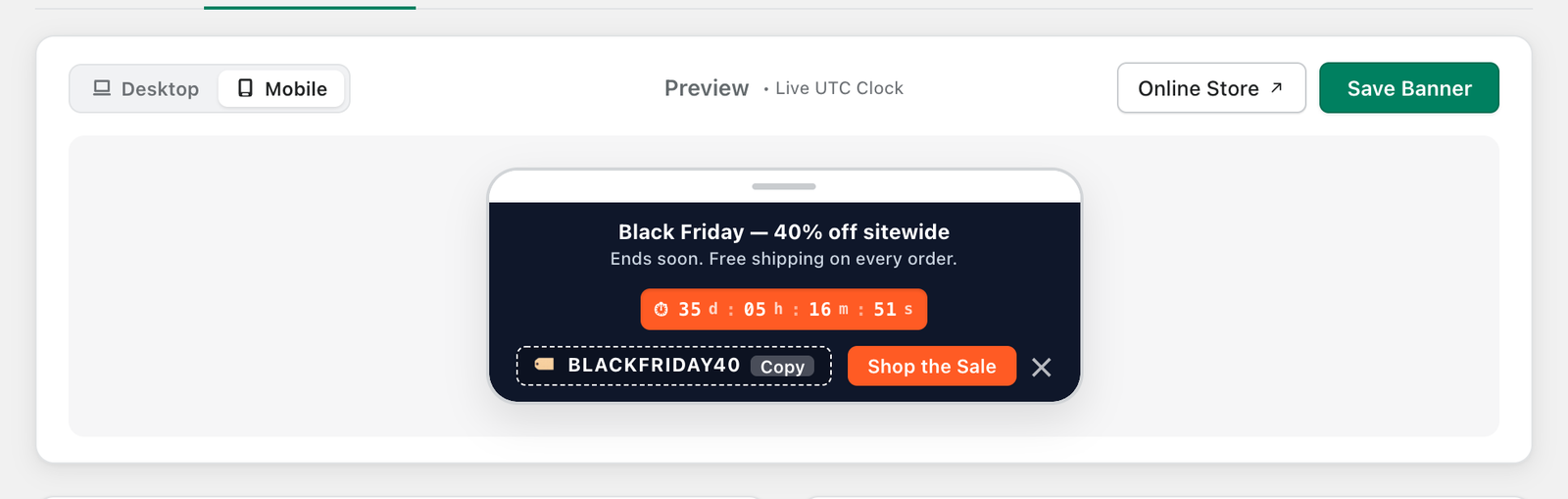
The preview at the top of the Setup Banner tab shows exactly how your bar will look, including the ticking countdown, and updates as you type.
- Switch between Desktop and Mobile to check both layouts.
- Click Online Store to open your live store in a new tab.
- Click Save Banner to publish your changes to the storefront.

Tip: If your store does not show the bar after saving, make sure the wiseBanner app embed is turned on (see Install wiseBanner and Enable the App Embed).