
The banner is not showing on my store
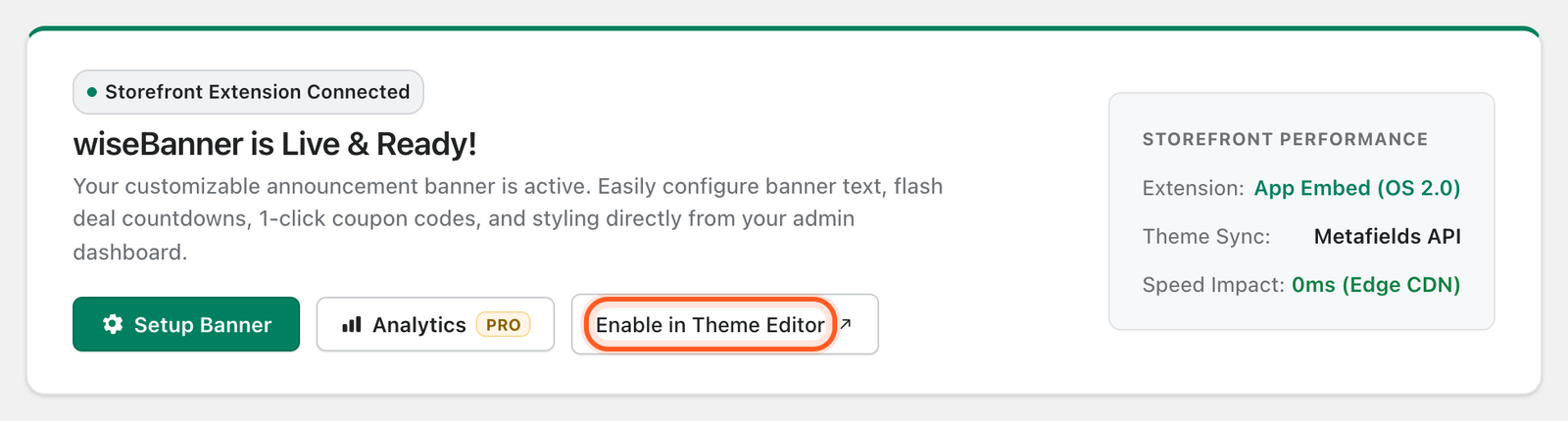
- Check that the wiseBanner app embed is on: Online Store → Themes → Customize → App embeds, then click Save.
- Make sure you clicked Save Banner in wiseBanner after your last change.
- If Display Pages is Homepage Only, open your homepage.
- If you closed the bar with ×, it stays hidden for you. Open your store in a private window to see it again.
My coupon code does not apply at checkout
wiseBanner shows the code but does not create it. Create the discount in Shopify → Discounts with exactly the same code, and check that it is active and its dates are valid.
The countdown shows a different time than I expected
The countdown end time is set in UTC so every shopper sees the same deadline. Convert your local time to UTC, or use the quick presets.
Does wiseBanner slow down my store?
No. wiseBanner is a lightweight Online Store 2.0 theme app extension that loads a small script and stylesheet and makes no theme code changes.
Will anything be left in my theme if I uninstall?
No. Theme app extensions are removed with the app, so no code is left behind.
Can I change or cancel my plan any time?
Yes. Upgrade or use Downgrade to Free on the Plans & Pricing tab at any time. Billing is managed by Shopify.
Need more help?
Contact Wisemattic support and include your store URL and a screenshot. We are happy to help you set up your first banner.