Trust for first-time visitors
A new visitor doesn’t know your store yet. A popup that says someone in Toronto bought a tee 12 minutes ago tells them that real people order here.
Emma just purchased Cotton Tee · From: Toronto, Canada

|

Show a small “just purchased” popup in a corner of your store: the buyer’s first name, the product, their city and how long ago they ordered. New visitors see that people really buy from you, and one click opens the product. Free, no code.
Cyber Week
80% off your first year of any Pro plan. Code BFCM80 is applied at checkout until December 5.
Emma just purchased
Cotton Tee
From: Toronto, Canada
4 minutes ago
by wiseCampaign
A live demo with the plugin’s popup layout and sample orders. On your store, the names, products, places and times come from your completed WooCommerce orders. The demo switches every 5 seconds; you choose your own timing.
Sales Notification is the social proof module of wiseCampaign, a WordPress plugin by Wisemattic. It shows small “just purchased” popups in a corner of your WooCommerce store, built from your latest completed orders: the buyer’s first name, the product and its photo, the city and country, and how long ago the order was placed.
Each popup links to its product page. You choose the template, the corner, the colors, the pages and the timing in one editor with a live preview. The free version uses your real orders; wiseCampaign Pro adds four templates, simulated orders and popups without the “by wiseCampaign” credit.
Page updated
When people are unsure, they look at what others do. Psychologists call it social proof (Robert Cialdini, Influence). A sales popup puts that proof next to your products, without a discount.
A new visitor doesn’t know your store yet. A popup that says someone in Toronto bought a tee 12 minutes ago tells them that real people order here.
Emma just purchased Cotton Tee · From: Toronto, Canada
Each popup shows a different product with its photo, and a click opens its page. Shoppers find items beyond the one they came for, which gives them a reason to add a second item to the cart.
Click the popup → product page
wiseCampaign Analytics counts the pages that showed popups and the popup clicks. With Pro, you also see the orders and revenue that followed a popup click.
Views · clicks · orders · revenue
Set it up in one editor with a live desktop and mobile preview. Press Play to watch your popups cycle with your own timing before you save.
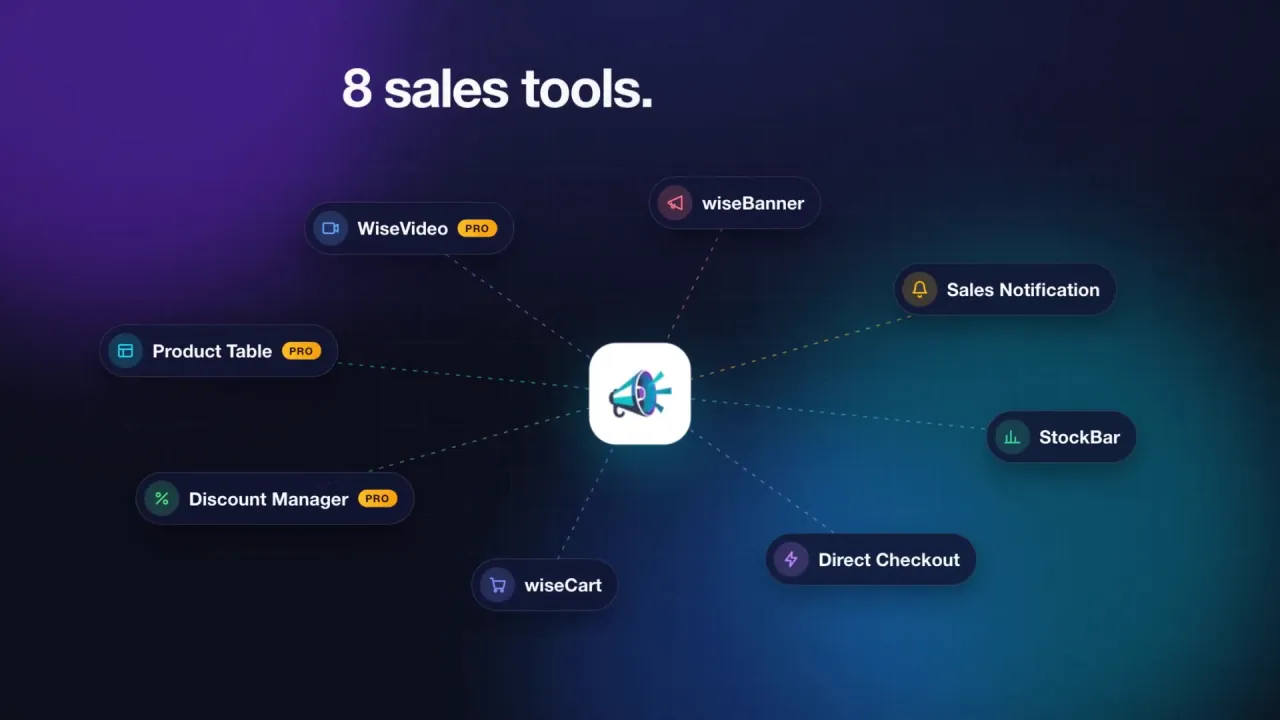
An 86-second tour of the eight wiseCampaign tools. Sales notification popups appear in the urgency and trust chapter at 0:24.
Pick a template and its look loads into the style controls. Classic Card follows all your style settings; the other five keep some of their own styling, such as their shape.
Lucas just purchased
Pour-Over Mug
From: Dublin, Ireland
18 minutes ago
by wiseCampaign
Aisha just purchased
Canvas Tote
From: Lyon, France
1 hour ago
by wiseCampaign
Noah just purchased
Trail Sneakers
From: Melbourne, Australia
3 hours ago
by wiseCampaign
Mia just purchased
Wool Beanie
From: Berlin, Germany
1 day ago
by wiseCampaign
Emma just purchased
Cotton Tee
From: Toronto, Canada
4 minutes ago
by wiseCampaign
Sofia just purchased
Pour-Over Mug
From: Madrid, Spain
2 days ago
by wiseCampaign
Pro removes the “by wiseCampaign” credit from every template.
Only what a shopper expects from a recent sales popup. Everything comes from completed WooCommerce orders and stays on your site.
Tip: mention the popups in your privacy policy if your store needs it.
1Aisha just purchased
Canvas Tote
3From: Dublin, Ireland
412 minutes ago
by wiseCampaign
With wiseCampaign Pro, yes. Simulated orders build popups from buyer names, places and products that you enter, so WordPress sites without WooCommerce, such as service businesses, can show them too.
Use them honestly. To your visitors, simulated popups look the same as real ones, and their times aren’t real. Use them only where they reflect real customers, and follow the advertising and consumer protection rules where you sell. Real orders are the default and need no setup.
Mia just purchased
Wool Beanie
From: Berlin, Germany
26 minutes ago
by wiseCampaign
Sarah M. just purchased
Website Care Plan
From: London, UK
15 minutes ago
by wiseCampaign
Go to WordPress Dashboard > WiseCampaign > Sales Notification. Everything below happens in that one editor.
In the Content tab, keep Recent Orders or pick Selected Orders. Popups start after your first completed order.
In the Design tab, choose a template, the screen position, the colors and the font. Check both the desktop and the mobile preview.
In the Settings tab, choose the pages and how long each popup shows, click Save Changes and check that the switch says Currently Active.
Pro adds four templates, simulated orders, popups without the credit link, and revenue tracking.
| Feature | Free | Pro |
|---|---|---|
| Popups from your 10 most recent completed orders | ✓ | ✓ |
| Popups from completed orders you pick | ✓ | ✓ |
| Classic Card and Modern Pill templates | ✓ | ✓ |
| Frosted Glass, Minimalist Micro, Gradient Accent and Dark Mode Neo | — | ✓ |
| Four corner positions, colors, border, radius and four fonts | ✓ | ✓ |
| Every page or selected pages | ✓ | ✓ |
| Display time, wait time, loop and random order | ✓ | ✓ |
| Live desktop and mobile preview | ✓ | ✓ |
| Simulated orders with your own names, places and products | — | ✓ |
| Uploaded photos and logos, or buyer avatars, for simulated orders | — | ✓ |
| Popups on sites without WooCommerce | — | ✓ |
| Hide “by wiseCampaign” | — | ✓ |
| Analytics: pages with popups and popup clicks | ✓ | ✓ |
| Analytics: orders and revenue after a popup click | — | ✓ |
Pro unlocks every wiseCampaign module too, including the Discount Manager. From $59 per year, with a 14-day money-back guarantee.
Reviews from WordPress.org, where wiseCampaign is rated 5.0 out of 5.
Great for Countdown timer and Sales notifications.
wiseCampaign is a useful WooCommerce plugin for running flash sales and promotional campaigns. The countdown timer and sales notification features are particularly impressive, helping create urgency and boost customer engagement. Easy to use and a great addition to any WooCommerce store!
Great Plugin for Boosting WooCommerce Sales
wiseCampaign is an excellent plugin for creating flash sales, countdown timers, and attractive discount offers. The features are useful for increasing customer engagement and encouraging more purchases. Highly recommended for any WooCommerce store owner!
Must-Have Plugin!
wiseCampaign makes creating banners and managing campaigns so easy! Great features, simple setup, and excellent targeting options.
About recent sales popups, customer data and simulated orders.
A sales notification is a small popup that tells visitors someone just bought a product, such as “Emma just purchased Cotton Tee, from Toronto, Canada, 12 minutes ago”. The Sales Notification module of wiseCampaign builds these popups from your completed WooCommerce orders and shows them one at a time in a corner of your store.
Yes. The free wiseCampaign plugin shows popups from your recent or hand-picked WooCommerce orders, with the Classic Card and Modern Pill templates, all four positions, colors, fonts, page targeting and timing. wiseCampaign Pro, from $59 per year, adds four more templates, simulated orders, hiding the “by wiseCampaign” credit, and order and revenue analytics.
With Recent Orders, your 10 most recent completed orders. With Selected Orders, only the completed orders you pick. Each product in an order gets its own popup. Pending, processing, on-hold, cancelled and refunded orders never appear, so popups start after your first completed order.
The billing first name, city and country, the product name and photo, and how long ago the order was placed. Popups never show last names, email addresses, street addresses or order totals. The popup font loads from Google Fonts. Mention the popups in your privacy policy if your store needs it.
Yes. Pick bottom left (the default), bottom right, top left or top right, and show popups on every page or only on the pages you select. Each popup stays on screen for 1 to 300 seconds, with a wait of 1 to 300 seconds before the next one (5 and 5 by default). The first popup appears 3 seconds after the page loads, and you can loop the list and shuffle the order.
Yes. Popups show on phones, tablets and computers with the same settings. On screens 480 pixels wide or narrower, the popup spans the width of the screen with a smaller image so it fits. There is no separate setting to hide popups on phones.
For popups from real orders, yes. With wiseCampaign Pro, simulated orders also work on WordPress sites without WooCommerce, using products or services you type in.
A Pro option that builds popups from buyer names, locations and products you enter instead of real orders. Each popup’s time is picked from a fixed list, such as “15 minutes ago”. Simulated popups look the same as real ones to visitors, so use them only where they reflect real customers, and follow the consumer protection rules where you sell.
Open WiseCampaign Analytics or the card at the top of the Sales Notification editor. The free version counts the pages that showed popups and the popup clicks over the last 7 days. With Pro, an order placed within 7 days of a popup click counts for Sales Notification with its revenue, over 7, 30 or 90 days. Visits by administrators aren’t counted.
Popups from real orders keep working. Simulated orders stop showing until you renew. Pro templates and the hidden credit stay until you next save your settings; after that, the popup switches to Classic Card and shows the “by wiseCampaign” link.
One plugin, one dashboard. Turn on the modules you need.