

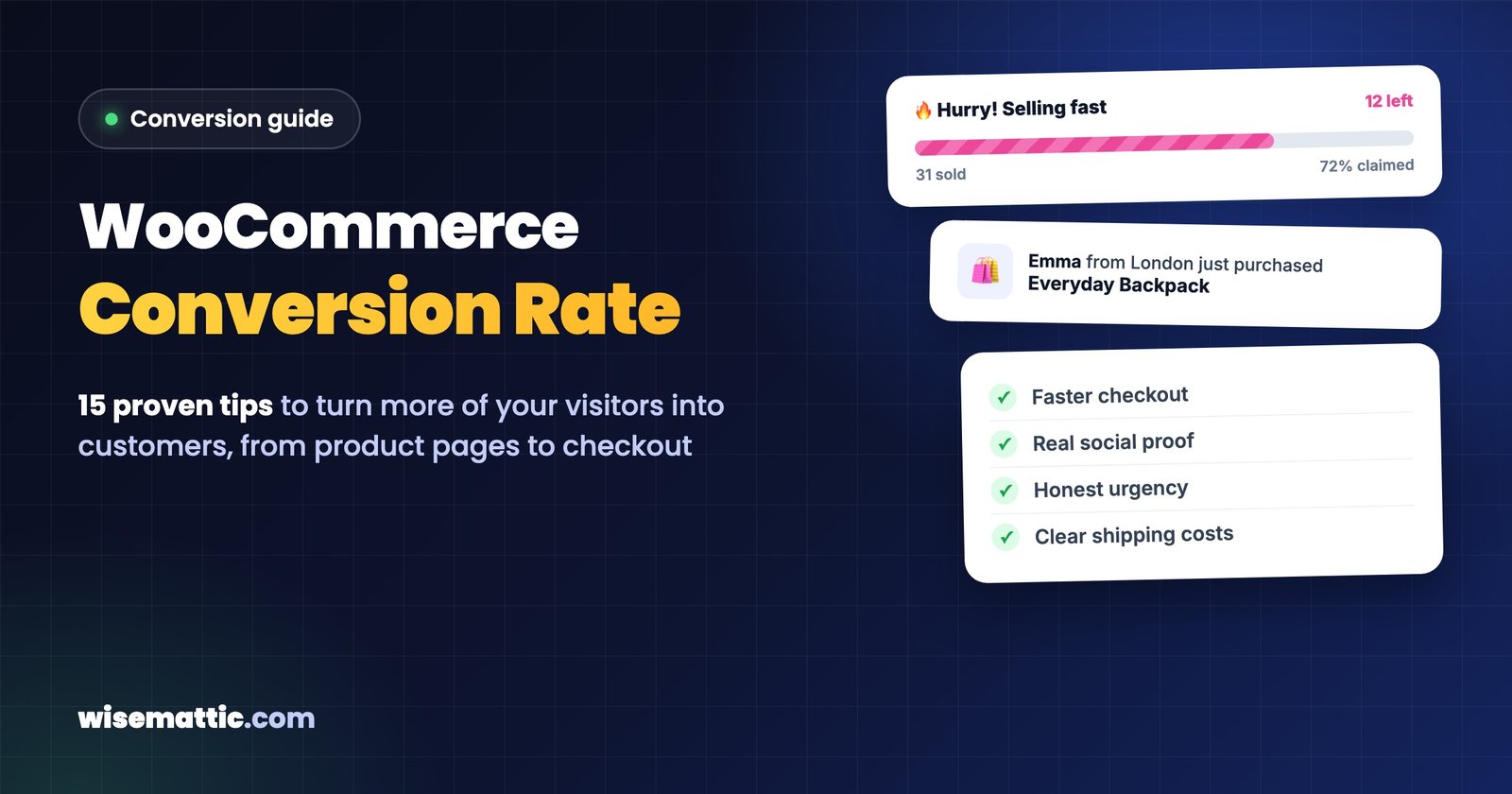
If 1,000 people visit your store and 15 of them buy, your conversion rate is 1.5%. Get it to 2% and you have a third more orders from the same traffic, without spending more on ads. That is why conversion rate optimization (CRO) is usually the cheapest way to grow a WooCommerce store.
This guide covers how to measure your conversion rate and 15 proven tips to improve it, grouped by where shoppers drop off: speed and trust, product pages, navigation, cart and checkout, and follow-up. For each tip you will find what to change, and where a free tool such as wiseCampaign can help.
In this guide
- What is a WooCommerce conversion rate?
- Speed and trust (tips 1–3)
- Product pages (tips 4–8)
- Navigation and search (tips 9–10)
- Cart and checkout (tips 11–14)
- Follow-up and testing (tip 15)
- Where to start
- Frequently asked questions
What is a WooCommerce conversion rate?
Your conversion rate is the share of store visits that end in an order. You calculate it by dividing orders by sessions (visits) over the same period:
Copied!Conversion rate = Orders ÷ Sessions × 100
WooCommerce counts orders in WooCommerce → Analytics → Orders, but it does not count visits. Take sessions from your analytics tool, such as Google Analytics, for the same dates. Commonly quoted benchmarks for online stores sit somewhere around 1–3%, but they vary widely by industry, price and traffic source, so your own number from last month is the benchmark that matters.
Speed and trust
1. Make your store fast on mobile
Shoppers leave slow pages before they see a single product. Test your home, category and product pages in PageSpeed Insights on mobile. The usual fixes: compress and resize images, use page caching (excluding cart, checkout and My Account), remove plugins you don’t use, and stop scripts from loading on pages that don’t need them.
2. Show who you are and how to reach you
New visitors want to know a real business is behind the store. Make your contact details, returns policy, shipping information and an About page easy to find from every page, usually in the footer. A clear, generous returns policy removes one of the biggest worries about buying online.
3. Be upfront about shipping costs and delivery times
Surprise costs at checkout are one of the most common reasons shoppers abandon a purchase. Say what shipping costs and how long it takes before the cart: on product pages, in your FAQ and in a top bar such as “Free shipping on orders over $75”. wiseBanner, free in wiseCampaign, adds that bar to every page.
Product pages
4. Use better photos, and add video
Shoppers can’t touch your products, so the images have to do the work: several angles, close-ups of details, the product in use and a sense of scale. Short product videos answer questions photos can’t. WiseVideo Commerce in wiseCampaign adds video galleries and shoppable product videos to WooCommerce.
5. Answer questions in the description
Every unanswered question is a reason to leave: What size should I order? What is it made of? When will it arrive? Can I return it? Lead with the benefit, list the key specs, and add a short FAQ to products that get the same questions by email. Your support inbox is the best list of what to add.
6. Show reviews and real social proof
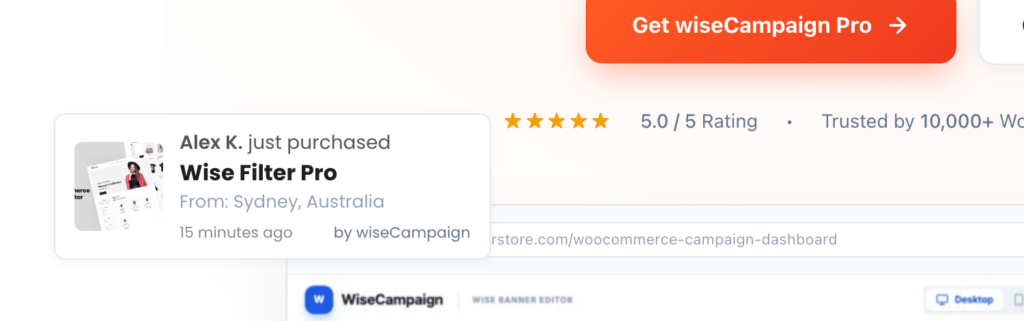
Turn on WooCommerce product reviews, ask customers for a review a week or two after delivery, and show the star rating near the price. Recent order notifications add a sense that other people buy here too. Sales Notification (free) shows small popups from your real WooCommerce orders, with control over timing, position and mobile display.
7. Use honest urgency
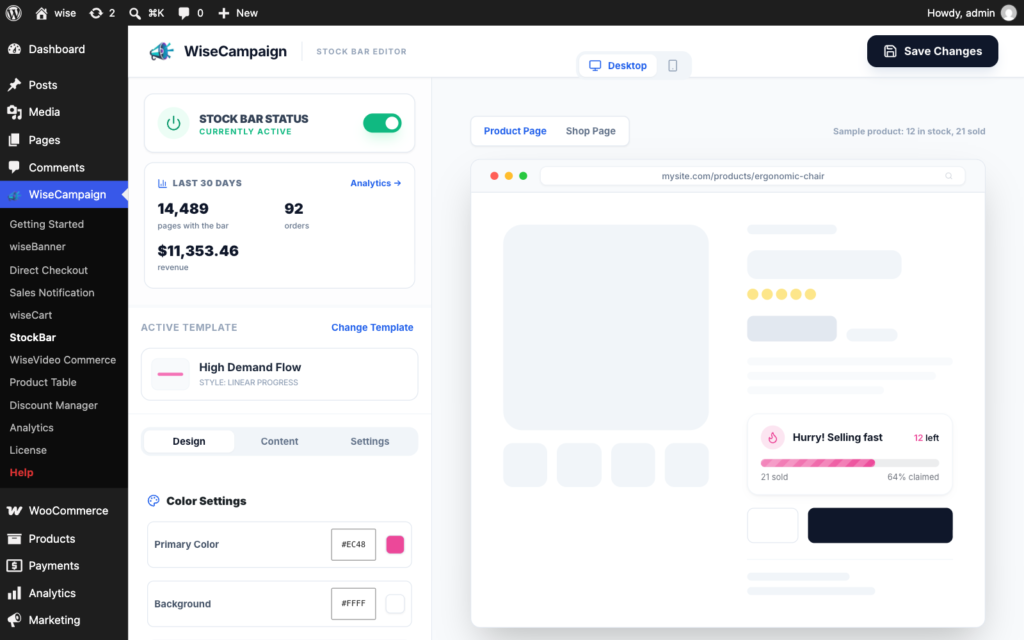
A real reason to buy now, such as a sale that ends on Sunday or a product with only a few left, helps undecided shoppers make up their minds. Fake countdowns and invented stock numbers do the opposite once shoppers notice. StockBar (free) shows a progress bar based on your real WooCommerce stock, and wiseBanner’s countdown runs to the actual end of your offer.
8. Make the Add to Cart button impossible to miss
Use one main button with a strong color that stands out from the rest of the page, and keep it visible without scrolling on a phone. Avoid putting other buttons with the same style next to it. If your product pages are long, a sticky Add to Cart bar on mobile keeps it within reach.
Navigation and search
9. Help shoppers find the right product fast
If shoppers can’t find it, they can’t buy it. Keep your menu simple, name categories the way customers would, and make search visible on every page. For larger catalogs, filters by price, category, brand and rating make a big difference. If your store is built with Elementor, WiseFilter adds AJAX product filters and live search.
10. Make your offers visible before the cart
A discount shoppers discover at checkout doesn’t help them decide to buy. Show active offers where decisions are made: a top bar for sitewide deals, badges on product images and a short message on eligible product pages. wiseCampaign Pro’s Discount Manager adds a sale badge and a product page message to every automatic discount.
Cart and checkout
11. Keep shoppers on the page with a side cart
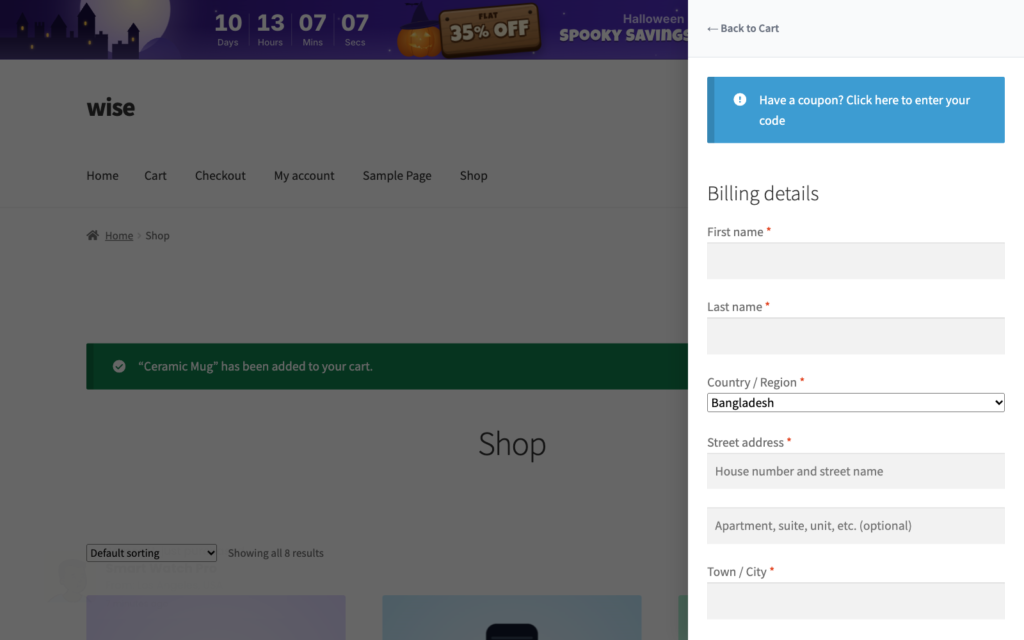
Sending shoppers to the cart page after every Add to Cart breaks their browsing. A slide-out cart confirms the add, shows the total and lets them keep shopping or check out from the same page. wiseCart (free) does this, with quantity pickers, a coupon field and a free shipping progress bar. We compared it with six alternatives in the best WooCommerce side cart plugins.
12. Offer a Buy Now button for one-product shoppers
Shoppers who came for one product don’t need a cart at all. A Buy Now button takes them straight to checkout. Direct Checkout (free) adds it to shop and product pages; with wiseCart on, the checkout opens inside the cart panel. Read more in how quick buy buttons improve WooCommerce conversion rates.
13. Shorten the checkout
- Allow guest checkout under WooCommerce → Settings → Accounts & Privacy; offer account creation after the order instead.
- Remove fields you don’t need, such as a second address line or company name for consumer stores.
- Keep the coupon field small, so shoppers without a code don’t leave to search for one.
- Show the order summary and total clearly, with no surprises on the last step.
14. Offer the payment methods your customers expect
Express wallets such as Apple Pay and Google Pay let returning shoppers pay in seconds on mobile, without typing card details. Depending on your market, local payment methods or buy now, pay later options can matter just as much. Most major WooCommerce payment gateways support these; turn on the ones your customers use.
Follow-up and testing
15. Recover abandoned carts, and test one change at a time
Some shoppers will always leave before paying. A short series of reminder emails brings part of them back. Our guide on reducing cart abandonment in WooCommerce covers that in detail.
Finally, change one thing at a time and compare conversion rate before and after, over at least a couple of weeks with similar traffic. If you change five things at once, you won’t know which one worked, or which one made things worse.
Where to start
| Tip | Effort | Tool |
|---|---|---|
| 3. Upfront shipping costs | Low | wiseBanner (free) |
| 6. Reviews and social proof | Low | WooCommerce reviews, Sales Notification (free) |
| 7. Honest urgency | Low | StockBar (free), wiseBanner countdown (free) |
| 11. Side cart | Low | wiseCart (free) |
| 12. Buy Now button | Low | Direct Checkout (free) |
| 13. Shorter checkout | Medium | WooCommerce settings |
| 1. Mobile speed | Medium | PageSpeed Insights, caching, image optimization |
| 4–5. Photos, video, descriptions | High | Your own content, WiseVideo Commerce |
Conversion rate tells you how many visitors buy; average order value tells you how much they spend. Once your conversion rate is moving, read 10 ways to increase WooCommerce average order value to grow the other half of your revenue.
Frequently asked questions
What is a good conversion rate for a WooCommerce store?
Commonly quoted benchmarks for online stores are around 1–3%, but the right number depends on your industry, prices and traffic sources. Use your own conversion rate from the last 30 or 90 days as the baseline and aim to improve on it.
How do I calculate my WooCommerce conversion rate?
Divide the number of orders by the number of sessions for the same period and multiply by 100. Orders come from WooCommerce → Analytics → Orders; sessions come from an analytics tool such as Google Analytics.
What is the fastest way to increase WooCommerce conversions?
Start with low-effort changes at the points where shoppers decide: state shipping costs upfront, add reviews and real social proof, use honest urgency, add a side cart and a Buy Now button, and allow guest checkout. Then measure before moving to bigger projects such as site speed or new photography.
Does site speed affect conversion rate?
Yes. Slow pages lose visitors before they see your products, especially on mobile. Test with PageSpeed Insights and fix the largest issues first, usually images, caching and unneeded scripts.
What is the difference between conversion rate and average order value?
Conversion rate is the share of visits that end in an order. Average order value is how much each order is worth. Revenue is traffic multiplied by both, so improving either one grows sales without more traffic.
Which wiseCampaign features help conversion rate, and are they free?
wiseBanner, StockBar, Sales Notification, Direct Checkout, wiseCart, Product Table and WiseVideo Commerce are all in the free version on WordPress.org. wiseCampaign Pro adds the Discount Manager, premium templates and revenue analytics, from $59 per year.

Leave a Reply